

Interactive Flowchart Viewer
Pro Feature
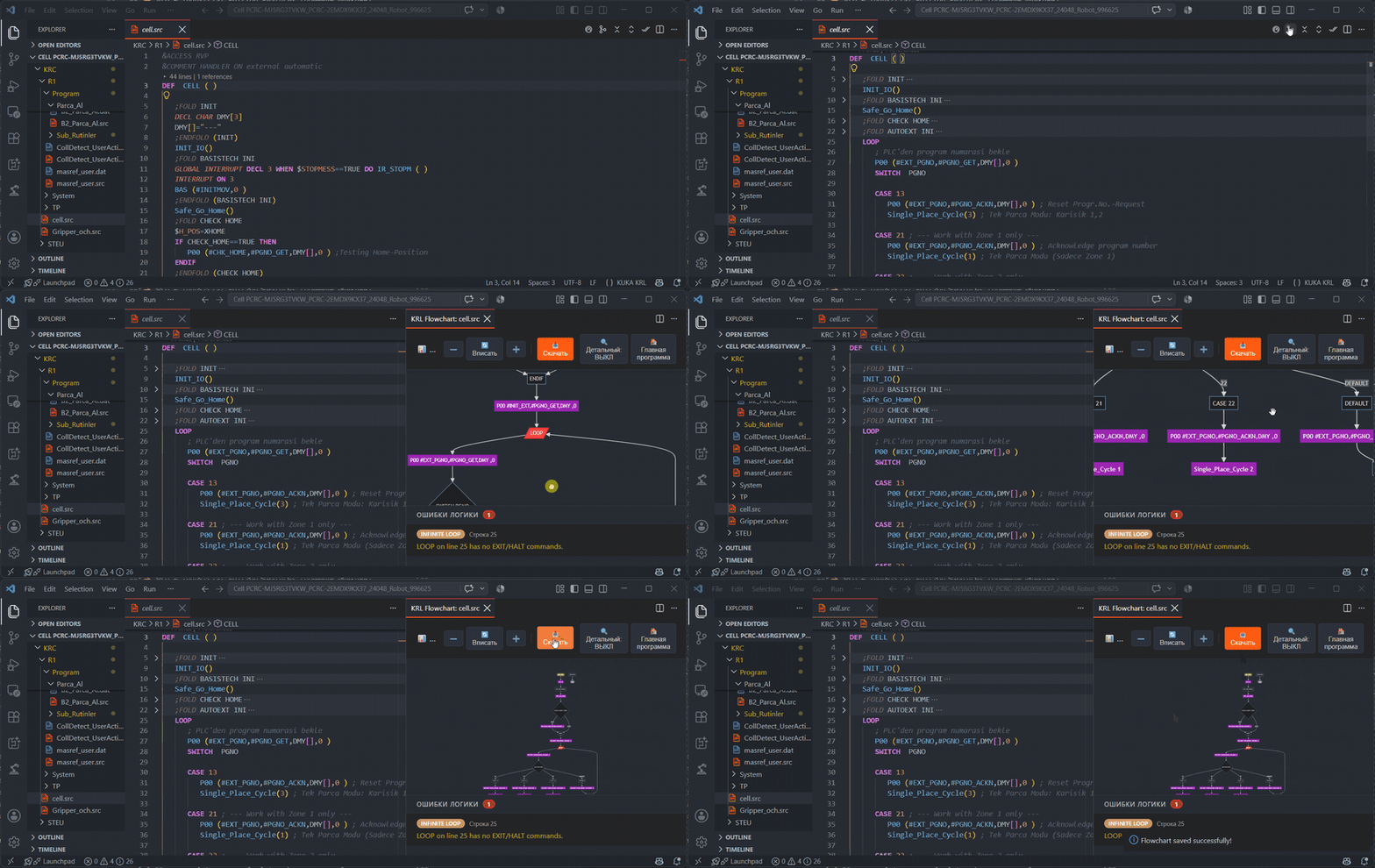
Stop tracing nested logic (IF, SWITCH, LOOP) by hand. KRL Engineering Toolkit turns complex .src programs into clean, visual control-flow diagrams.
Key Features
- Bi-directional Navigation: Click any block in the flowchart to jump to the exact line of code in the editor or seek the 3D trajectory player in the simulator.
- Subroutine Drill-Down: Click subprogram calls (e.g.,
GrabPart()) to load and display their specific flowcharts with complete breadcrumb navigation. - Interactive Signal Simulation (Smart Action Dialog): Live interception of conditional branches (
IF ... THEN ... ELSE),HALT, andWAIT FORduring 3D motion. Pause execution, simulate discrete PLC inputs, and route motion branches dynamically. - Multi-Robot Testing: Hot-swap between 153 KUKA kinematic models with payload-paired linear rails ($E1) to evaluate point reachability across different machines.
- Cell Dispatcher & PGNO Selection: Full support for
CELL.srcmain loops, interactive program card selection, and automatic return toCheck_Home. - Mobile & Touch UX: Full two-finger pinch-to-zoom and touch pan gestures, plus floating quick-access tools over the 3D viewport.
- SVG Export: Export vector graphics of your subprograms to embed directly into client documentation.

How to Use
Open any .src file and click the Show Control Flow Graph icon in the top right corner of the editor, or run KRL: Show Control Flow Graph from the Command Palette.